Save and Export Long ChatGPT Conversations
Turn long ChatGPT chats into clean Question & Answer exports. Export entire conversations, save important discussions, and keep your ChatGPT knowledge accessible.
Installs from the official Chrome Web Store. No ChatGPT API key, external account, or manual ZIP setup required.
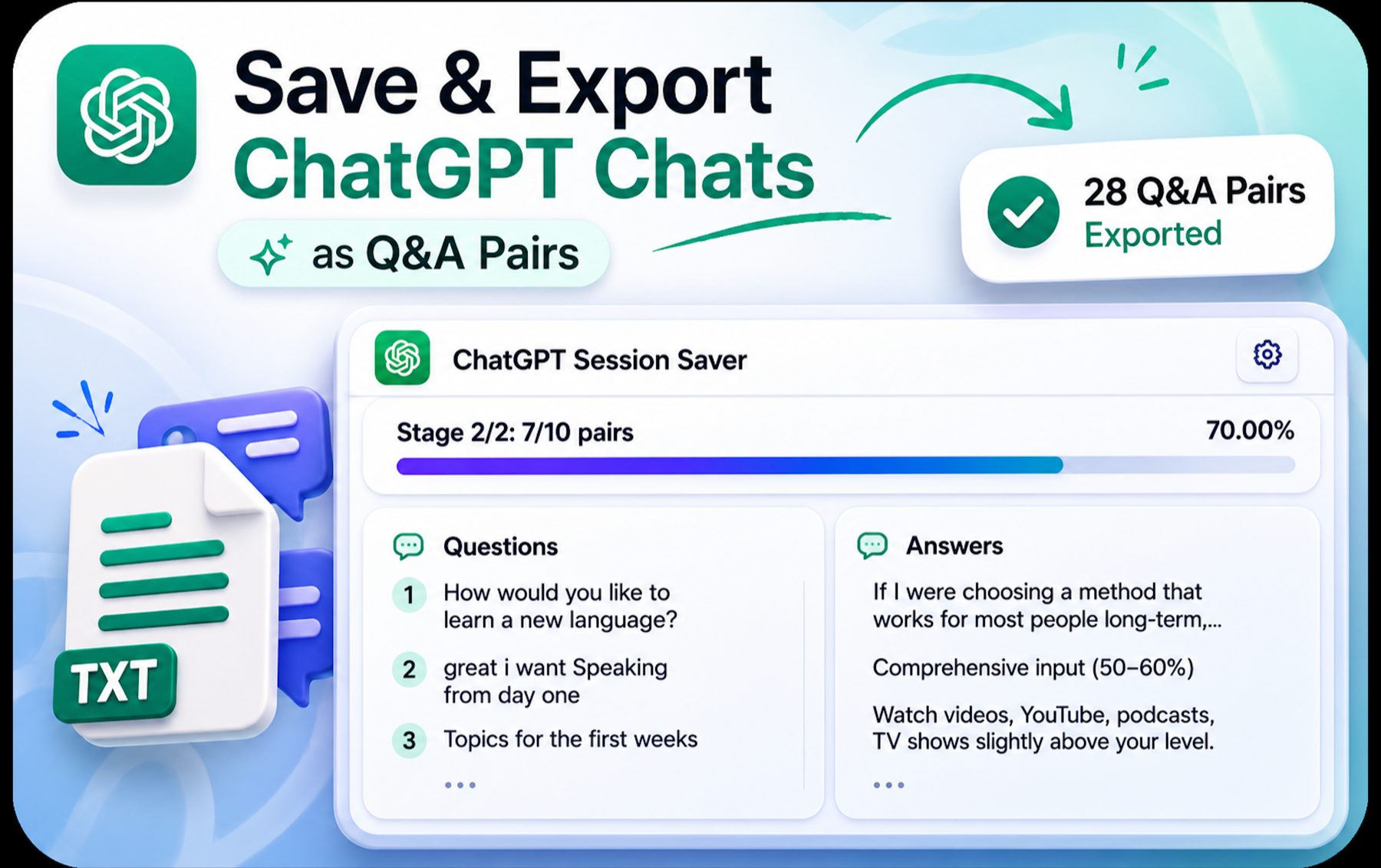
Built for conversations worth keeping
Save the knowledge hidden inside long ChatGPT chats
Session Saver is a ChatGPT conversation exporter for people who need more than screenshots or fragile copy-paste. Search the active chat, preserve its Q&A structure, and create a local TXT export.
Export entire conversations
Save a whole ChatGPT chat as structured Question & Answer pairs.
Handle very long chats
Preserve long-running research, coding, study, and planning sessions.
Start from your position
Export from the message you are currently reading instead of starting over.
Search Q&A pairs
Find matching questions or answers before you copy or export them.
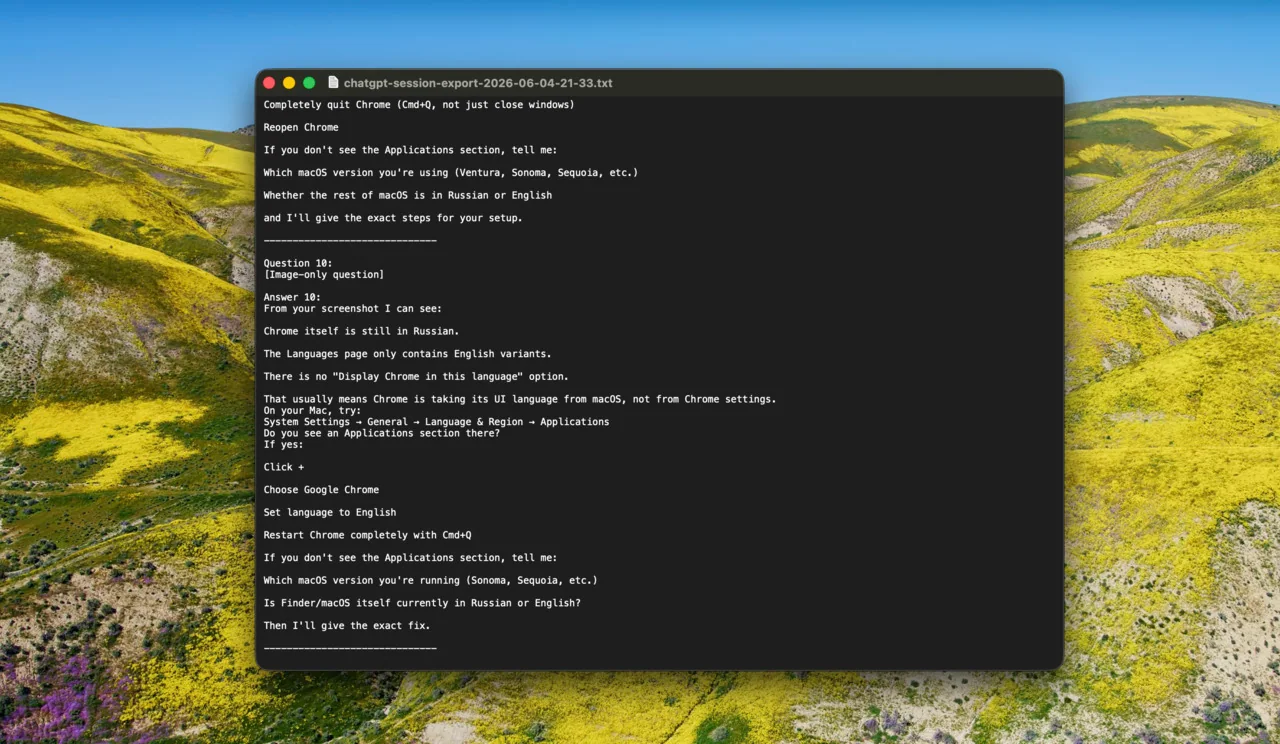
Clean TXT export
Create a lightweight local file that is easy to search, store, and reuse.
Local processing only
Conversation processing happens in your browser, not on an external server.
No API key required
Use the extension directly with the ChatGPT conversation open in Chrome.
Progress recovery
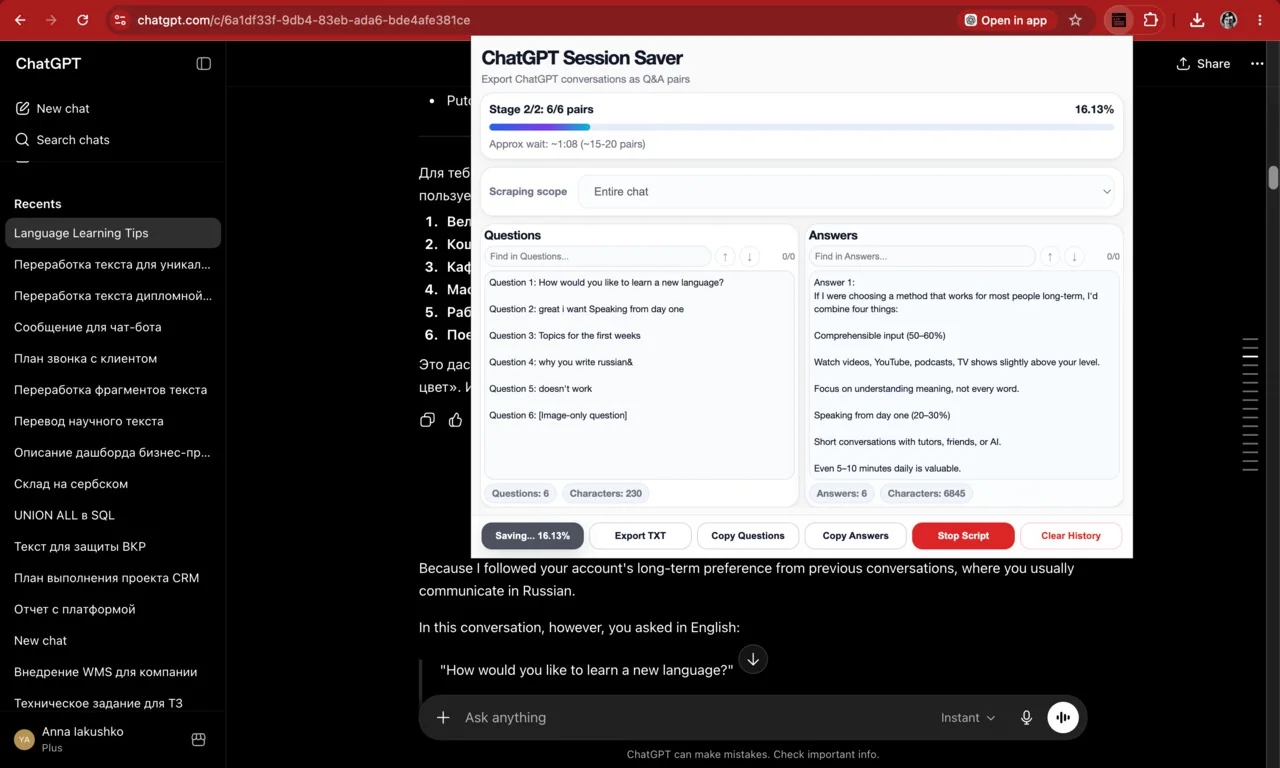
Auto-save helps preserve extraction progress if a very long export is interrupted.
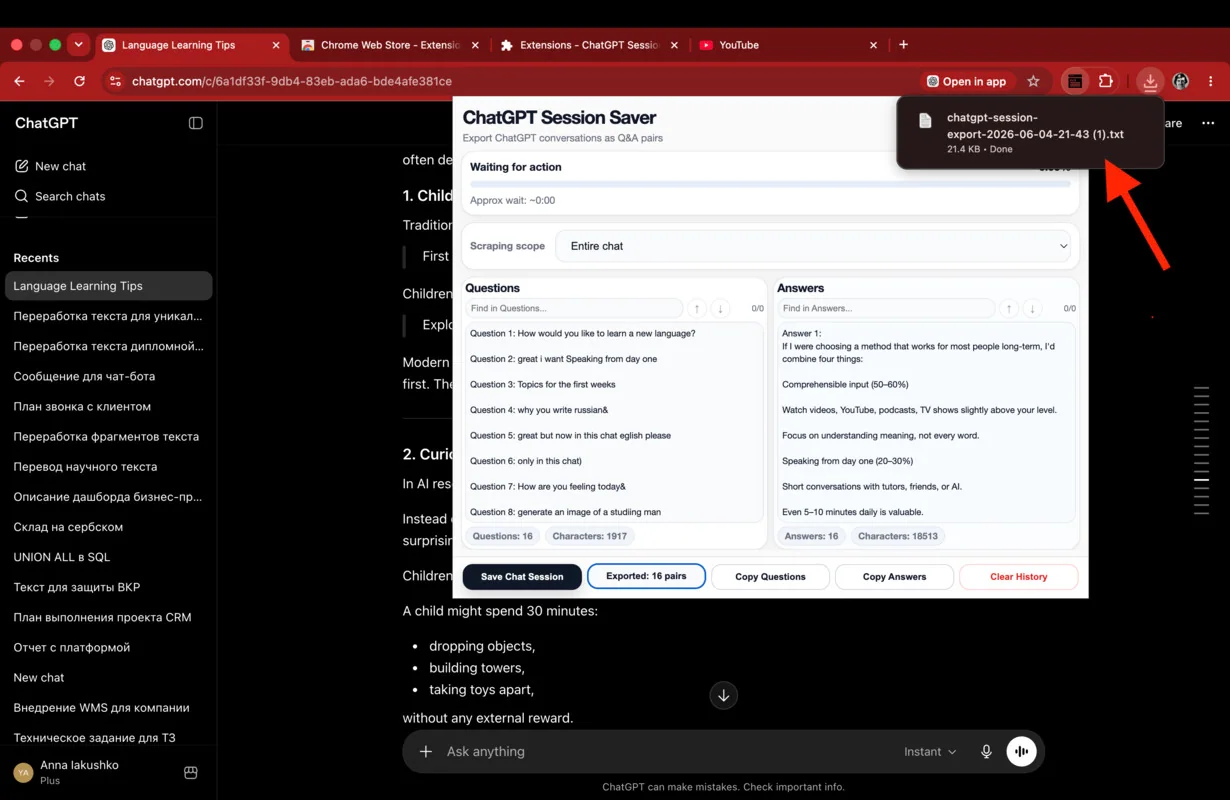
See the workflow
From an active ChatGPT thread to a local TXT file
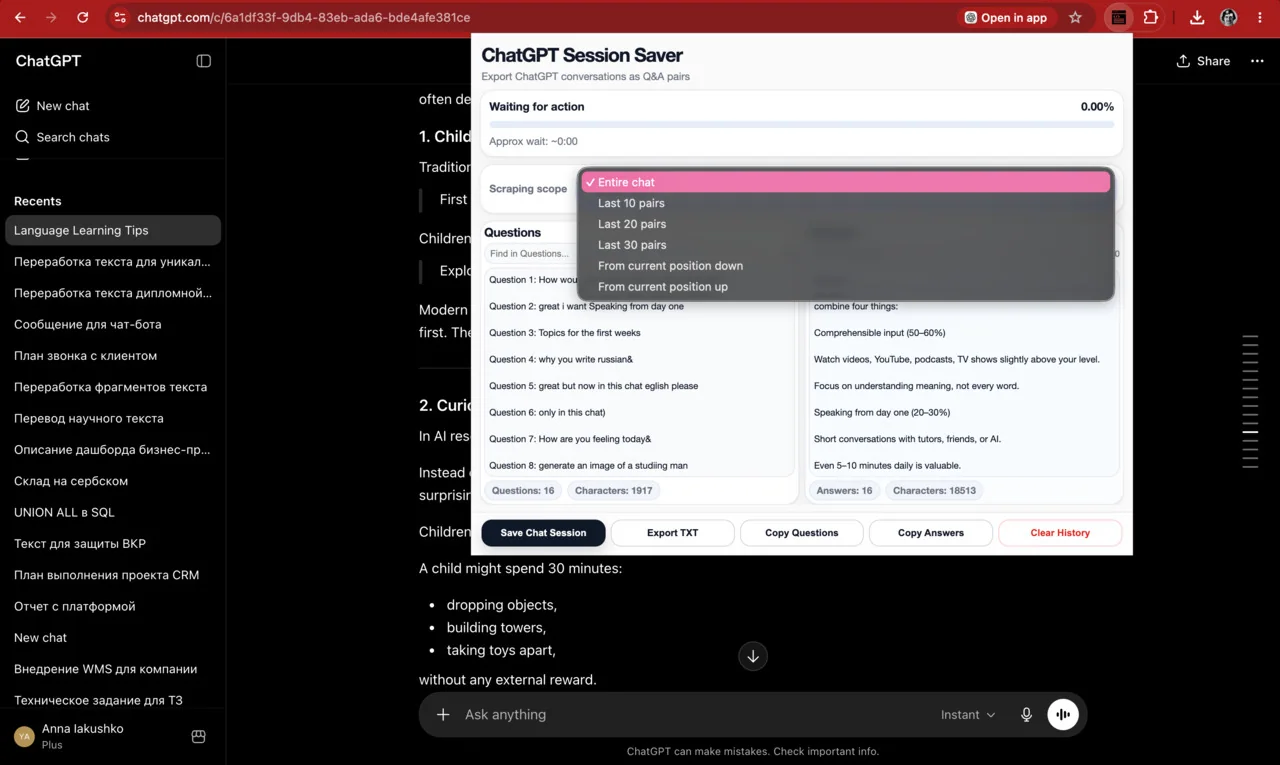
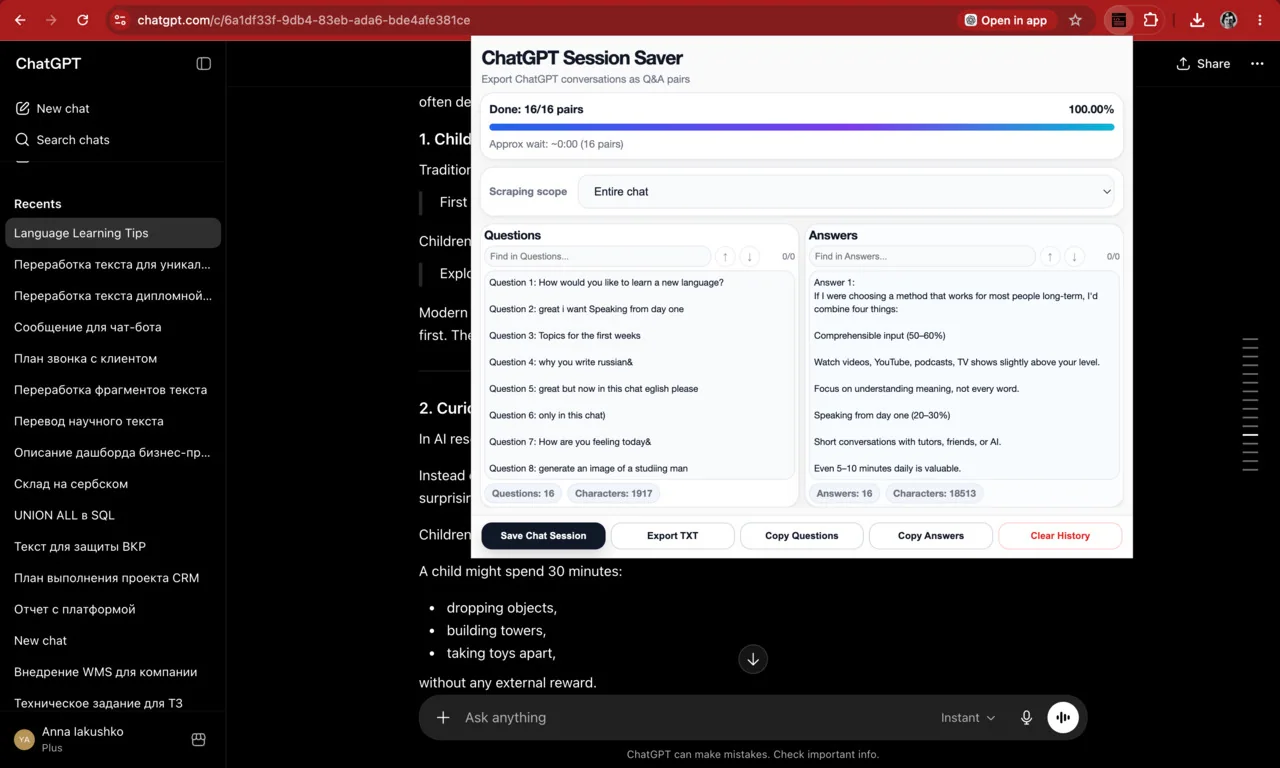
Choose the export scope, watch the Q&A pairs appear, search the result, and save the structured conversation locally.
Who it helps
Perfect for work that continues beyond one chat
Researchers
Preserve interviews, literature reviews, and exploratory analysis.
Developers
Keep debugging sessions, architecture discussions, and code explanations.
Students
Save tutoring sessions, study notes, and detailed explanations.
AI power users
Build a searchable archive instead of losing valuable conversations.
Knowledge workflows
Move useful Q&A into notes, documentation, or a personal knowledge base.
Long-term ChatGPT users
Keep important threads accessible beyond the ChatGPT sidebar.
Privacy-first by design
Your conversations stay on your device
Session Saver processes the active conversation locally in your browser. It does not require a ChatGPT API key and does not send your exported chats to a separate processing server.
Read the Privacy Policy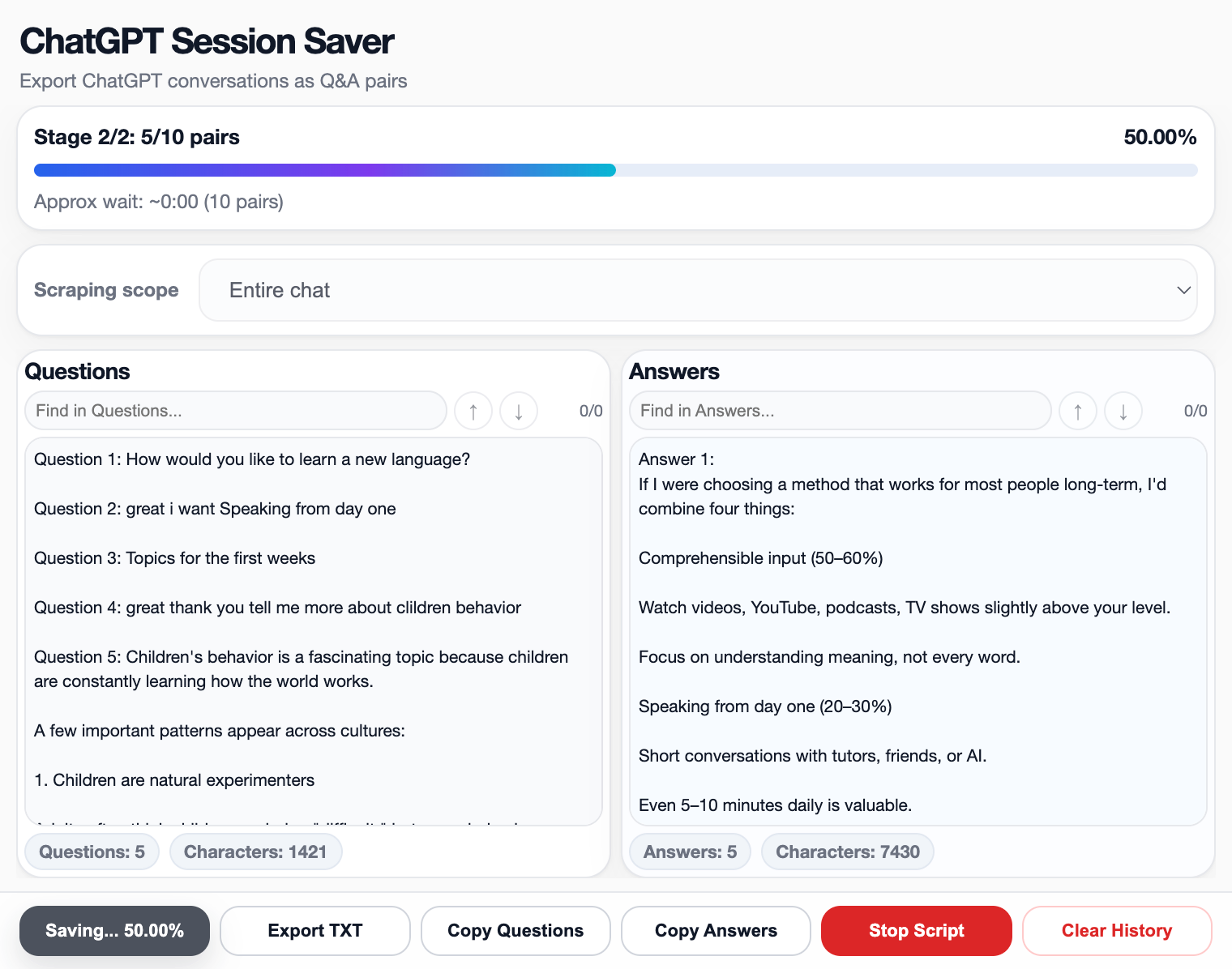
Need a method comparison?
Choose the right way to save a long ChatGPT conversation
Compare official account export, shared links, PDF, manual copy-paste, and structured local TXT export.
Read the complete ChatGPT export guide Learn how to export a single ChatGPT conversationFAQ
Saving and exporting ChatGPT conversations
How do I export a long ChatGPT conversation?
Open the conversation in ChatGPT, launch ChatGPT Session Saver, choose the entire chat or a starting position, and export the extracted Question & Answer pairs as a TXT file.
How do I save an entire ChatGPT chat?
Select the entire-chat export scope in Session Saver. The extension reads the active conversation, keeps the message order, separates questions from answers, and saves the result locally.
Can I export ChatGPT to TXT?
Yes. ChatGPT Session Saver creates a clean TXT export that is easy to search, edit, archive, and reuse in other note-taking or knowledge-management tools.
What is the best way to save ChatGPT conversations?
For a reusable copy of one active conversation, a structured local text export is usually more practical than screenshots or manual copy-paste because it preserves the Q&A flow and remains searchable.
Does ChatGPT support exporting individual chats?
ChatGPT provides account-level data export and conversation sharing. Session Saver is designed for saving one active conversation directly as a local, structured TXT file.
Enjoying Session Saver?
Help other ChatGPT users find it
If the extension helped you save or export your chats, please leave a short review on the Chrome Web Store.
Support development
Want to help the project grow?
Installing, sharing, and reviewing Session Saver already makes a real difference. A direct support option may be added here later.
Built by Ivan Getmanov
Independent product focused on helping people organize and preserve ChatGPT conversations.
getmanov.com