ChatGPT Export Glossary: Key Terms Explained
Quick answer
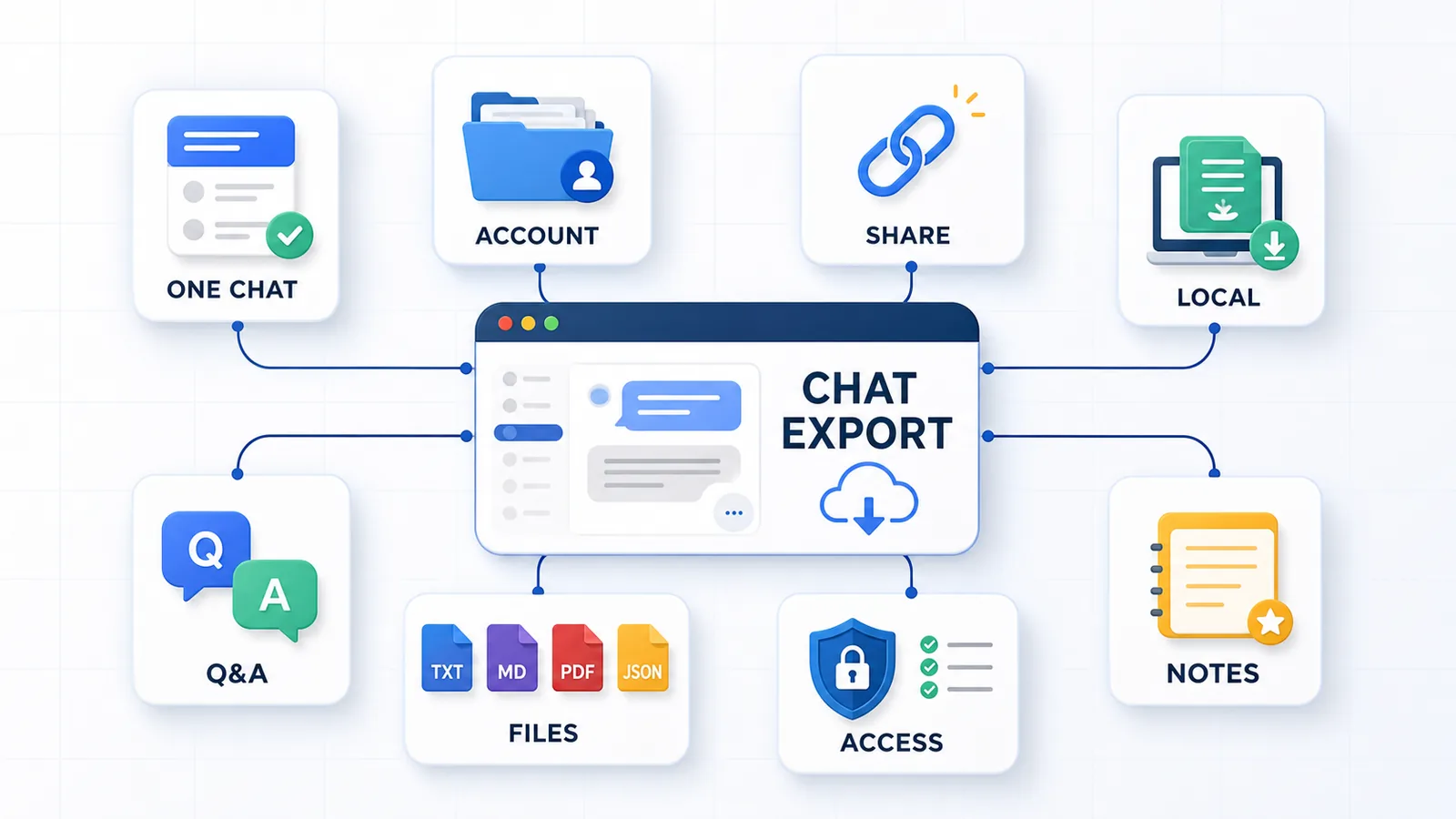
ChatGPT export can mean several different things: saving one active conversation, downloading account-level data, creating a shared link, printing a conversation to PDF, or turning a long chat into reusable notes.
This glossary explains the most important terms used across ChatGPT export workflows.
The main distinction is simple:
| Term | Meaning |
|---|---|
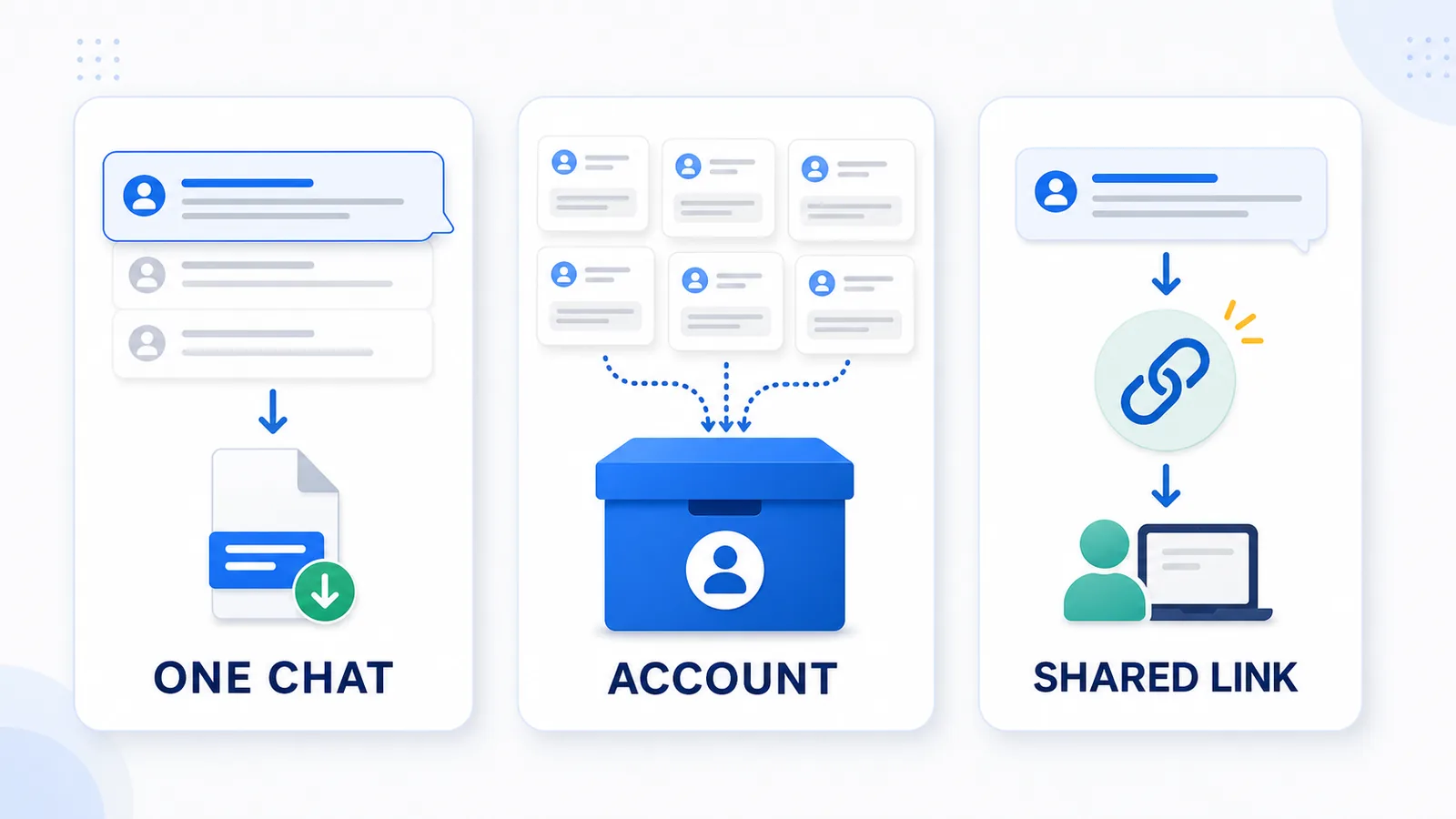
| Single-chat export | Saving one specific ChatGPT conversation |
| Account export | Downloading broader ChatGPT account data |
| Shared link | Creating a link to show a conversation to someone else |
| Local export | Saving a conversation as a file on your own device |
| Q&A export | Saving prompts and answers as structured pairs |
| Reusable notes | Exported content that is easy to search, review, and use later |
These terms matter because different export methods solve different jobs.
A shared link is useful for showing a conversation to another person. Account export is useful for backup. A local Q&A-style TXT export is useful when you need one active conversation saved as clean notes.
Why this glossary exists
People use the phrase “ChatGPT export” to mean very different things.
One person may mean:
“I want to download all my ChatGPT history.”
Another may mean:
“I want to save this one long conversation as notes.”
Another may mean:
“I want to share this chat with someone.”
Those are not the same workflow.
This glossary defines the core terms used in the ChatGPT export guides on this site, so the differences are clear.
It is especially useful when comparing:
- official account export;
- single-chat export;
- shared links;
- local export;
- PDF export;
- TXT or Markdown notes;
- Q&A-style exports;
- browser extension permissions.
ChatGPT conversation export
ChatGPT conversation export means saving ChatGPT conversation content outside the ChatGPT interface.
This can mean several things:
- saving one active conversation;
- downloading account-level data;
- creating a shared link;
- copying a conversation manually;
- printing a conversation to PDF;
- exporting the chat as TXT, Markdown, or JSON;
- turning the conversation into structured notes.
A conversation export is not automatically useful just because the text was saved.
A good export should preserve enough context to understand the conversation later.
For long conversations, this usually means preserving:
- the original user prompts;
- the assistant answers;
- the order of the conversation;
- important follow-up questions;
- constraints and decisions;
- code blocks, tables, or examples when relevant.
Related guide: How to Export Long ChatGPT Chats Without Losing Context
Single-chat export
Single-chat export means saving one specific ChatGPT conversation, not your entire account history.
This is the right term when the job is:
“I need this one conversation as a file.”
Single-chat export is useful for:
- saving one research session;
- archiving one strategy conversation;
- preserving one debugging thread;
- turning one writing session into notes;
- keeping one long Q&A thread for later reuse.
Single-chat export is different from account export.
| Export type | What it saves | Best for |
|---|---|---|
| Single-chat export | One specific conversation | Notes, reuse, project archive |
| Account export | Broader account-level data | Full backup, account records |
Related guide: How to Export a Single ChatGPT Conversation
Account export
Account export means downloading broader ChatGPT account data through the official data export workflow.
This is useful when the job is:
“I want a backup of my ChatGPT data.”
Account export is best for:
- account-level backup;
- downloading many conversations;
- keeping a broader record of ChatGPT activity;
- data portability.
But account export is usually not the fastest or cleanest way to save one active conversation as reusable notes.
Use account export for backup. Use single-chat export when the job is one specific conversation.
Q&A export
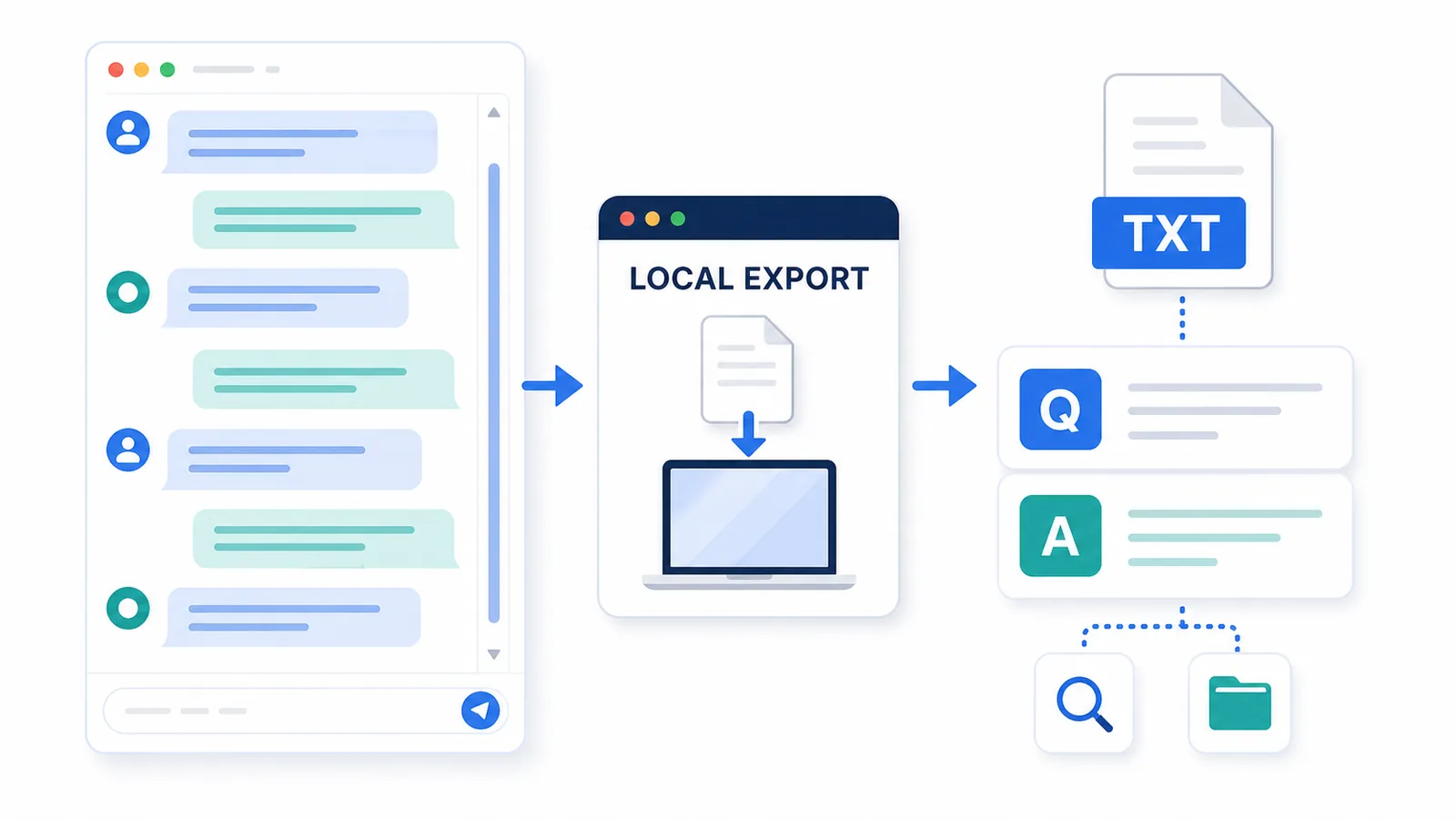
Q&A export means saving a ChatGPT conversation as pairs of user questions and assistant answers.
Instead of saving one long transcript, the export keeps the conversation structure:
Q1: What did the user ask?
A1: What did ChatGPT answer?

Q2: What did the user clarify?
A2: How did ChatGPT respond?
This structure matters because ChatGPT answers depend on prompts.
A final answer without the original question can become hard to understand later. Q&A export keeps each answer connected to the prompt that created it.
Q&A export is useful for:
- long conversations;
- research notes;
- study notes;
- strategy sessions;
- writing drafts;
- debugging conversations;
- personal knowledge bases.
Related guides: How to Export ChatGPT Conversations as Question-Answer Pairs and How to Turn a Messy ChatGPT Thread into Clean Q&A Notes.
Local export
Local export means saving a ChatGPT conversation as a file on your own device instead of relying on a cloud link or external storage.
A local export can be:
- TXT;
- Markdown;
- PDF;
- JSON;
- another local file format.
The key idea is control.
A local file can be stored, renamed, searched, edited, backed up, or moved into a notes system.
Local export is useful when the conversation includes:
- private notes;
- work context;
- project decisions;
- research;
- code;
- drafts;
- sensitive or semi-sensitive information.
Local export does not automatically mean a tool is safe.
You still need to understand how the export tool works, what permissions it requests, and whether it uploads content anywhere.
Shared link
A shared link is a URL that allows another person to view a ChatGPT conversation.
Shared links are useful for:
- sending a conversation to someone;
- collaborating;
- showing an example;
- sharing a result without creating a file.
A shared link is not the same as a local export.
| Feature | Shared link | Local export |
|---|---|---|
| Creates a local file | No | Yes |
| Good for sharing | Yes | Sometimes |
| Good for private archive | Limited | Yes |
| Easy to edit | No | Yes, depending on format |
| Good for reusable notes | Limited | Yes |
| Depends on a link | Yes | No |
Use shared links for sharing. Use local export for ownership, editing, and long-term reuse.
Related guide: ChatGPT Shared Links vs Local Export: What’s the Difference?
TXT export
TXT export means saving a ChatGPT conversation as a plain text file.
TXT is one of the simplest and most durable formats for exported conversations.
TXT is good for:
- clean notes;
- local archives;
- searching;
- copying into another tool;
- Q&A-style exports;
- lightweight storage;
- long-term readability.
TXT is not ideal for:
- complex visual formatting;
- polished documents;
- rich layout;
- embedded images;
- advanced automation.
For many ChatGPT conversations, TXT is enough because the most important thing is the text structure: prompts, answers, order, and context.
A clean TXT export is especially useful when the conversation becomes a reusable note rather than a visual document.
Related guide: How to Export ChatGPT Chats as TXT
Markdown export
Markdown export means saving a ChatGPT conversation in Markdown, a lightweight format often used in documentation, notes apps, GitHub, and writing workflows.
Markdown is useful for:
- headings;
- lists;
- code blocks;
- links;
- notes apps;
- documentation;
- Obsidian-style knowledge bases;
- developer workflows.
Markdown is more structured than TXT but usually simpler than HTML or PDF.
Markdown is a good fit when the exported conversation includes:
- headings;
- code;
- technical notes;
- research notes;
- documentation drafts;
- structured writing.
Markdown can be better than TXT when formatting matters. TXT can be better when simplicity and portability matter most.
PDF export
PDF export means saving a ChatGPT conversation as a PDF document.
PDF is useful for:
- reading;
- sharing;
- printing;
- visual archiving;
- sending a stable document;
- preserving layout.
PDF is weaker for:
- editing;
- reusing text;
- building notes;
- extracting Q&A pairs;
- searching large archives;
- moving content into a knowledge base.
PDF is a good format when the conversation is mostly final and needs to be read or shared.
PDF is not the best format when the goal is to reuse the conversation as editable notes.
JSON export
JSON export means saving conversation data in a structured machine-readable format.
JSON is useful for:
- developers;
- automation;
- data processing;
- custom scripts;
- structured archives;
- migration workflows.
JSON is not ideal for normal reading.
A JSON export may preserve more structure than TXT or PDF, but it is harder for most people to use directly.
Use JSON when the goal is automation. Use TXT or Markdown when the goal is human-readable notes.
Browser extension permissions
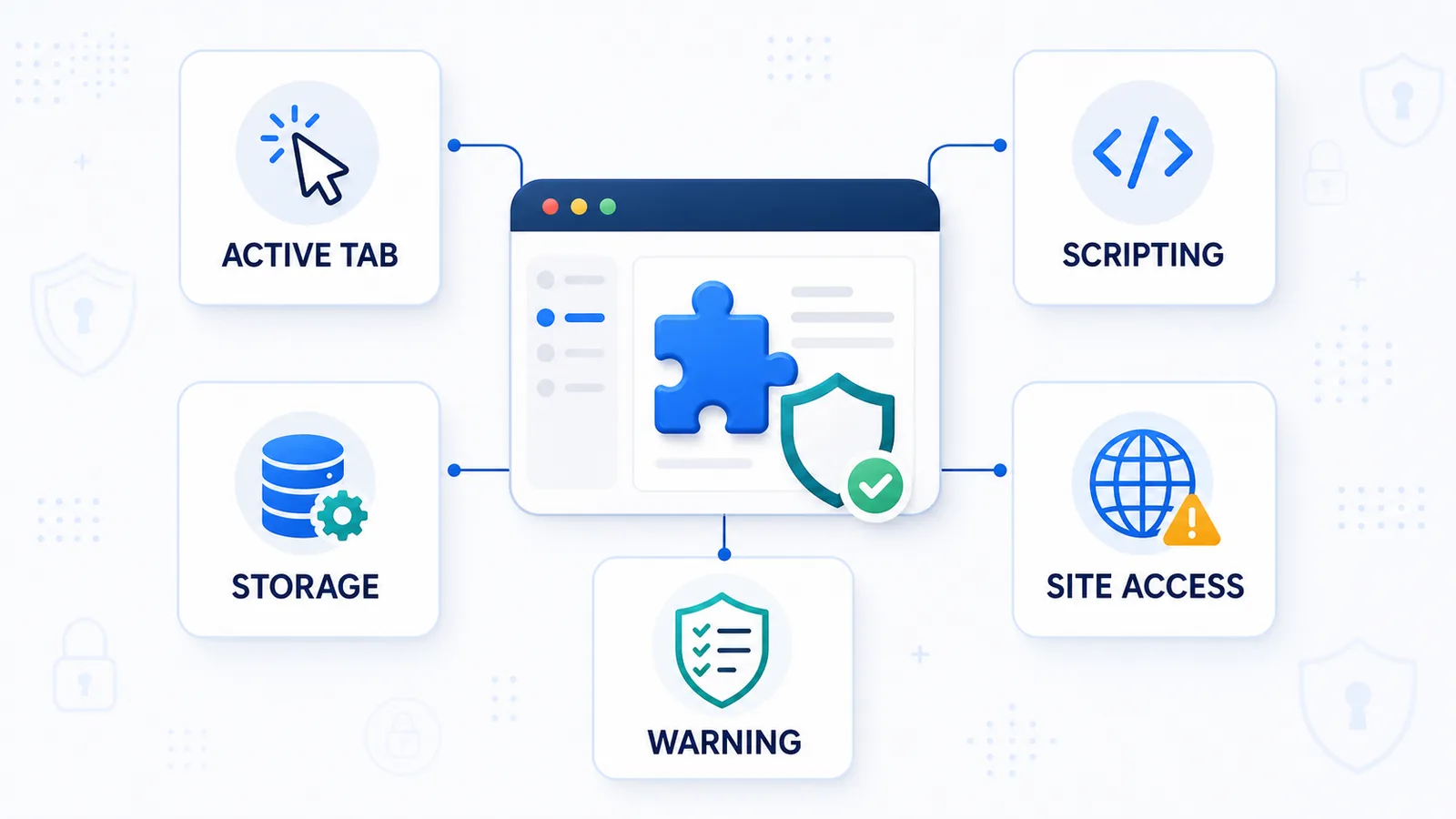
Browser extension permissions are the capabilities a browser extension requests so it can perform specific actions.
For a technical walkthrough of content scripts, the DOM, activeTab, and host permissions, read How Browser Extensions Read an Active ChatGPT Page.
For the maintenance implications of changing page structure, read Why ChatGPT Export Extensions Break When OpenAI Updates the Interface.
For a ChatGPT export extension, permissions may relate to:
- reading the active page;
- running scripts on the current tab;
- saving settings;
- copying or downloading content;
- accessing specific websites.
Permissions are not automatically bad. Browser extensions need permissions to work.
But unnecessary permissions are a red flag.
A privacy-friendly export extension should request only the permissions it needs and explain why those permissions are required.
Examples of permission-related concepts:
| Permission concept | Plain-English meaning |
|---|---|
activeTab | Temporary access to the current tab after the user activates the extension |
scripting | Ability to run extension scripts on a page |
storage | Ability to save extension settings or local data |
| Host permissions | Permission to interact with specific websites or URL patterns |
| Permission warning | A browser message explaining what an extension can access |
For ChatGPT export tools, permissions matter because the extension may need to read conversation content from the active ChatGPT page.
A good tool should be clear about what it reads, what it saves, and whether anything is uploaded.
For a practical review workflow, use the ChatGPT export extension safety checklist.
Active conversation
An active conversation is the ChatGPT conversation currently open in the browser.
This matters because many export workflows are based on the current page.
Single-chat export tools usually focus on the active conversation rather than the user’s full account history.
An active-conversation export is useful when:
- the current chat is important;
- the conversation is long;
- the user wants to save it now;
- the chat should become notes;
- the user does not need every historical conversation.
This is different from account export, which is broader and not limited to the currently open thread.
Long-chat export
Long-chat export means saving a ChatGPT conversation that is long enough to make manual copy-paste unreliable.
A long chat may include:
- many prompts;
- many answers;
- several topics;
- follow-up questions;
- corrections;
- rewritten versions;
- code blocks;
- tables;
- decisions;
- partial outputs.
Long-chat export is difficult because long conversations can be hard to scroll, select, copy, organize, and reuse.
A good long-chat export should preserve:
- message order;
- prompt-answer relationships;
- earlier context;
- final outputs;
- enough structure to review later.
Related guide: How to Save a Long ChatGPT Conversation Without Scrolling Forever
Reusable notes
Reusable notes are exported ChatGPT conversations saved in a format that is easy to search, review, edit, and use later.
Not every export creates reusable notes.
A PDF may be readable but hard to edit. A shared link may be easy to send but not a private local archive. A raw copy-paste transcript may contain the text but lose structure.
Reusable notes usually have:
- a clear title;
- a useful filename;
- original prompts;
- assistant answers;
- Q&A structure;
- readable spacing;
- enough context;
- a local or controlled storage location.
Reusable notes are useful for:
- research;
- writing;
- coding;
- learning;
- strategy;
- project planning;
- personal knowledge bases.
Related guide: How to Turn a Messy ChatGPT Thread into Clean Q&A Notes
Raw transcript
A raw transcript is a saved conversation in plain chronological order, usually without much cleanup or structure.
A raw transcript is better than losing the conversation entirely, but it can be hard to reuse.
Raw transcripts often become difficult when they include:
- repeated answers;
- messy formatting;
- unclear follow-ups;
- missing prompts;
- long text blocks;
- multiple topics;
- abandoned directions.
A raw transcript preserves order. Q&A notes preserve usable structure.
Clean text
Clean text means exported conversation content that is readable, structured, and free from unnecessary interface noise.
Clean text usually removes:
- buttons;
- sidebar labels;
- repeated UI text;
- empty elements;
- broken spacing;
- duplicated clutter.
Clean text should preserve:
- the user’s prompts;
- the assistant’s answers;
- important formatting;
- code blocks when relevant;
- the order of the conversation.
Clean text is especially useful when exporting ChatGPT conversations as TXT or Markdown.
Conversation structure
Conversation structure means the relationship between messages in a ChatGPT thread.
The most important structure is:
user prompt → assistant answer → follow-up prompt → updated answer
This structure is why Q&A export matters.
Without structure, a saved conversation may become a wall of text. With structure, it becomes a useful record of the thinking process.
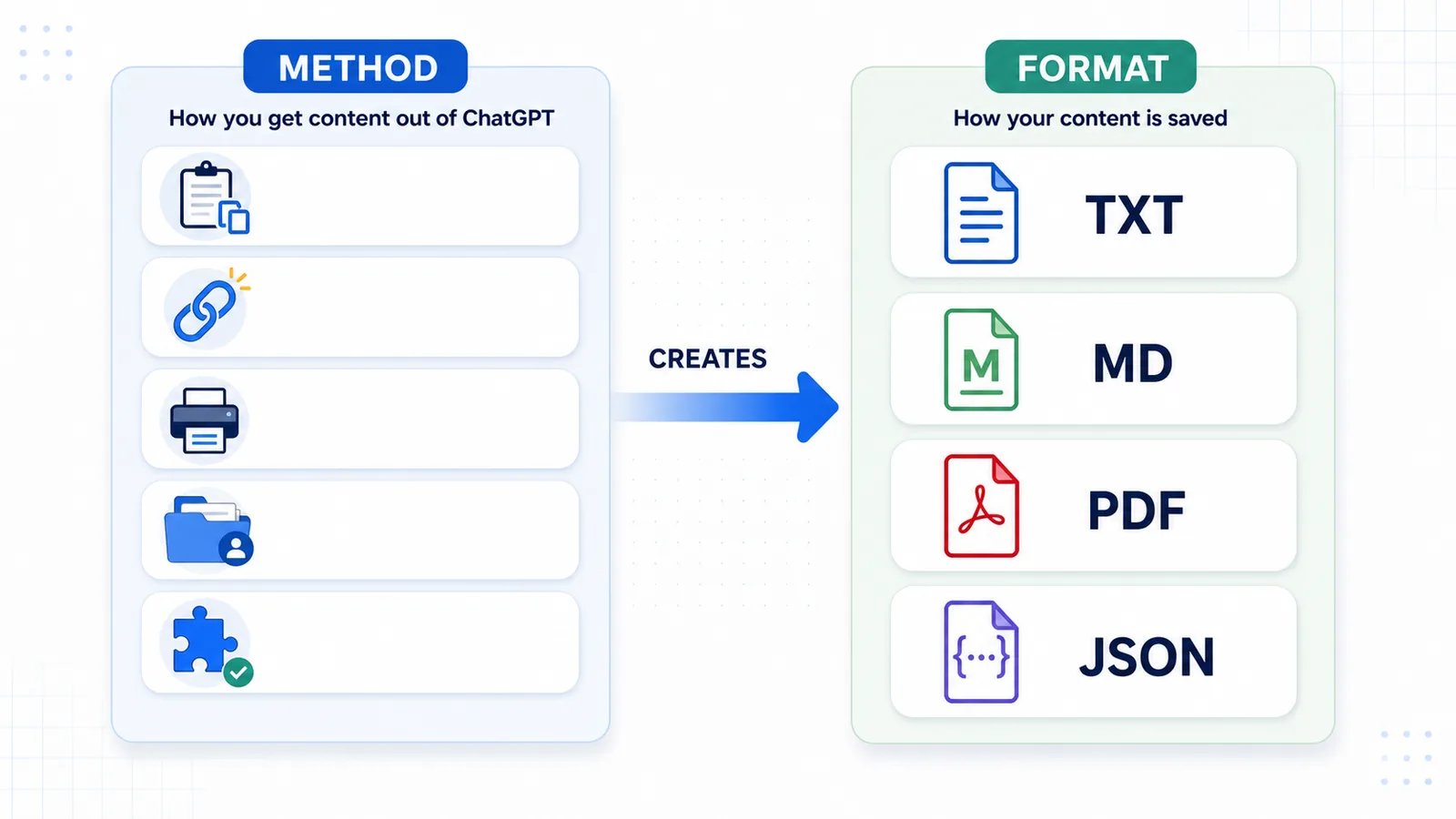
Export method
An export method is the workflow used to save a ChatGPT conversation.
Common export methods include:
| Method | Best for |
|---|---|
| Copy-paste | Short snippets |
| Shared link | Sharing |
| Print to PDF | Reading and visual archiving |
| Official account export | Full account backup |
| Local TXT export | Reusable notes |
| Markdown export | Notes and documentation |
| JSON export | Automation |
The best method depends on the job after export.
Export format
An export format is the file type or structure used to save the conversation.
Common formats include:
| Format | Best for |
|---|---|
| TXT | Simple reusable notes |
| Markdown | Structured notes and documentation |
| Reading and sharing | |
| JSON | Automation and structured data |
| Shared link | Viewing a conversation online |
The export method and the export format are related, but they are not the same thing.
For example, a browser extension is an export method. TXT is an export format.
Related guide: TXT vs Markdown vs PDF vs JSON for ChatGPT Export.
Local-first export tool
A local-first export tool is a tool designed to process and save data primarily on the user’s device.
For ChatGPT conversation export, local-first usually means the tool is designed around:
- the active browser page;
- local processing;
- local files;
- minimal data exposure;
- no unnecessary cloud upload.
Local-first does not remove the need for trust. Users should still check permissions, privacy policy, and product behavior.
But local-first is an important concept for private or sensitive ChatGPT conversations.
ChatGPT Session Saver
ChatGPT Session Saver is a local-first browser tool for saving one active ChatGPT conversation as clean Q&A-style TXT notes.
It is designed for users who need to preserve a useful conversation without manually rebuilding it through copy-paste.
It is best for:
- one active ChatGPT conversation;
- long chats;
- Q&A-style notes;
- clean TXT export;
- reusable local files.
It is not meant to replace every export method.
It is not:
- a full account export tool;
- a cloud backup tool;
- a PDF-first exporter;
- a JSON automation tool;
- a bulk historical archive tool.
Use official account export for broader backup.
Use shared links for sharing.
Use PDF for reading.
Use ChatGPT Session Saver when the goal is one active conversation saved as clean local Q&A notes.
Quick comparison of key terms
| Term | Plain-English meaning | Best use case |
|---|---|---|
| ChatGPT conversation export | Saving chat content outside ChatGPT | General export workflows |
| Single-chat export | Saving one specific conversation | One useful active chat |
| Account export | Downloading broader account data | Full backup |
| Q&A export | Saving prompts and answers as pairs | Reusable notes |
| Local export | Saving a file on your device | Private archive |
| Shared link | Creating a URL to a conversation | Sharing |
| TXT export | Saving as plain text | Simple notes |
| Markdown export | Saving as Markdown | Notes and docs |
| PDF export | Saving as PDF | Reading and sharing |
| JSON export | Saving as structured data | Automation |
| Browser extension permissions | Extension capabilities requested from the browser | Trust and safety review |
| Active conversation | The currently open chat | Current-thread export |
| Long-chat export | Exporting a large conversation | Avoiding missed context |
| Reusable notes | Saved content that is easy to use later | Knowledge reuse |
Recommended reading order
For a practical path through the topic, start here:
- How to Export Long ChatGPT Chats Without Losing Context
- How to Export a Single ChatGPT Conversation
- Why Copy-Paste Fails for Long ChatGPT Conversations
- How to Save a Long ChatGPT Conversation Without Scrolling Forever
- How to Turn a Messy ChatGPT Thread into Clean Q&A Notes
- How to Export ChatGPT Conversations as Question-Answer Pairs
- TXT vs Markdown vs PDF vs JSON for ChatGPT Export
- Is It Safe to Use a ChatGPT Export Extension?
FAQ
What does ChatGPT export mean?
ChatGPT export means saving conversation content outside the ChatGPT interface. It can mean a single-chat export, full account export, shared link, PDF, TXT, Markdown, JSON, or another format.
What is the difference between single-chat export and account export?
Single-chat export saves one specific conversation. Account export downloads broader account-level ChatGPT data.
Is a shared link the same as an export?
A shared link is a way to show a conversation to someone else. It is not the same as owning a local file.
What is Q&A export?
Q&A export saves a conversation as pairs of user questions and assistant answers. This makes the conversation easier to understand and reuse later.
What is the best format for saving ChatGPT conversations?
The best format depends on the job. TXT is good for simple reusable notes. Markdown is good for structured notes and documentation. PDF is good for reading and sharing. JSON is good for automation.
What does local export mean?
Local export means saving the conversation as a file on your own device or in your own controlled storage, rather than relying only on a shared link or cloud-based workflow.
Are browser extension permissions dangerous?
Permissions are not automatically dangerous. Extensions need permissions to work. The important question is whether the requested permissions match the tool’s purpose and whether the extension explains how data is handled.
What is an active conversation?
An active conversation is the ChatGPT thread currently open in your browser. Many single-chat export workflows focus on the active conversation rather than all historical chats.
What are reusable notes?
Reusable notes are exported conversation files that are easy to search, review, edit, and use later. Q&A-style TXT or Markdown exports often work well for this.
Part of the ChatGPT Export Guides
This guide is part of a practical series about saving, exporting, structuring, and reusing ChatGPT conversations.
-
How to Save a Long ChatGPT Conversation Without Scrolling Forever
-
How to Export ChatGPT Conversations as Question-Answer Pairs
-
Understand why export extensions break after interface updates
Final thought
“ChatGPT export” is not one workflow.
It can mean backup, sharing, reading, automation, or reusable notes.
The right method depends on what should happen after the conversation leaves the ChatGPT interface.
For one active conversation that needs to become clean local notes, Q&A-style TXT export is usually the most practical workflow.