How to Export ChatGPT Conversations as Question-Answer Pairs
Quick answer
To export a ChatGPT conversation as question-answer pairs, save each user prompt together with the assistant answer it produced.
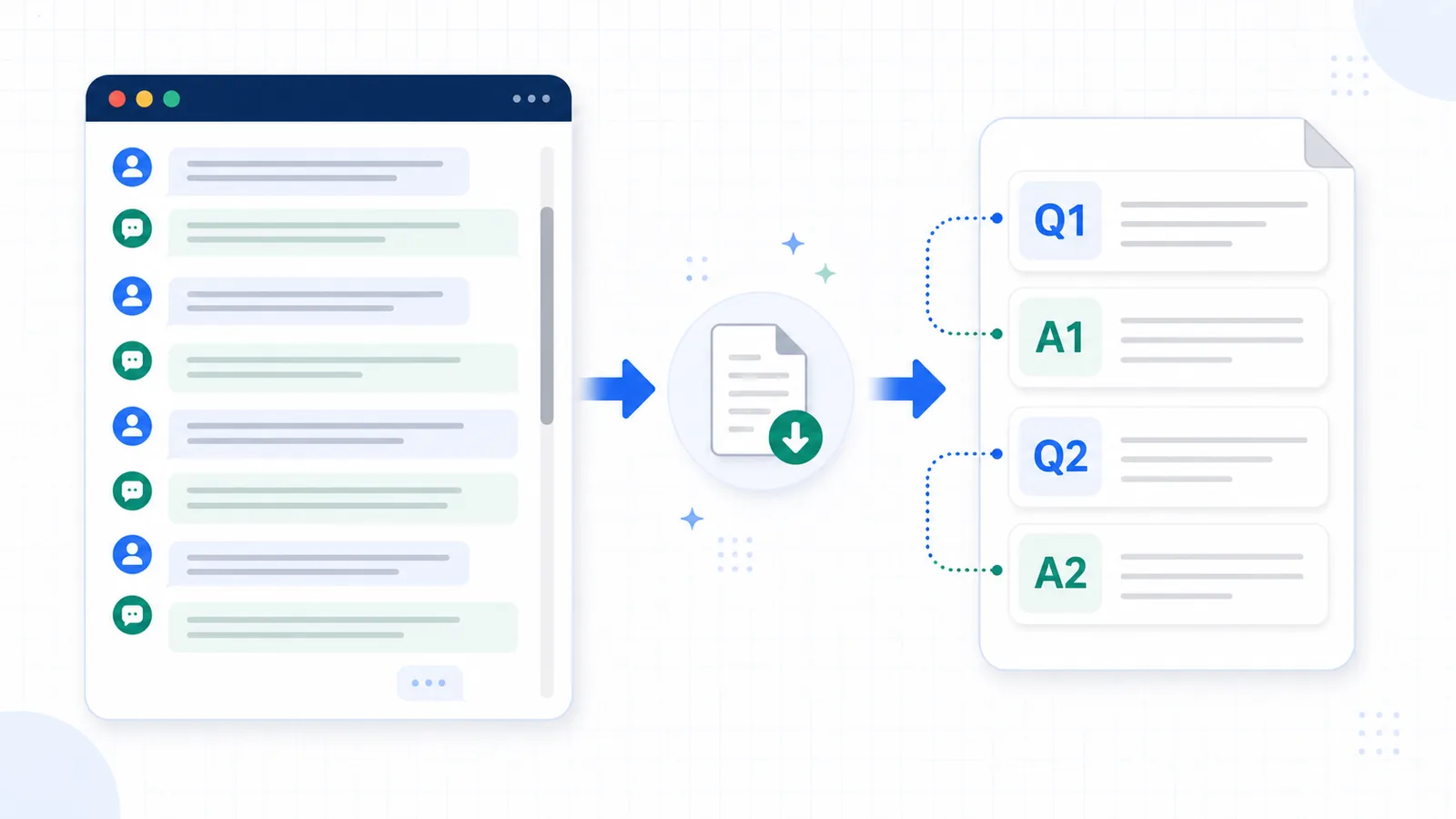
Instead of saving the chat as one long transcript, Q&A export turns the conversation into a structured file:
Q1: What did the user ask?
A1: What did ChatGPT answer?

Q2: What did the user clarify?
A2: How did ChatGPT respond?
This format is useful when you want to search, review, edit, or reuse a ChatGPT conversation later.
Difference in one sentence: Q&A export is a format for preserving the prompt-answer structure of a ChatGPT conversation, while cleanup is the process of removing mess from an existing transcript.
What is Q&A export?
Q&A export means saving a ChatGPT conversation as a sequence of user questions and assistant answers.
The basic unit is:
user prompt → assistant answer
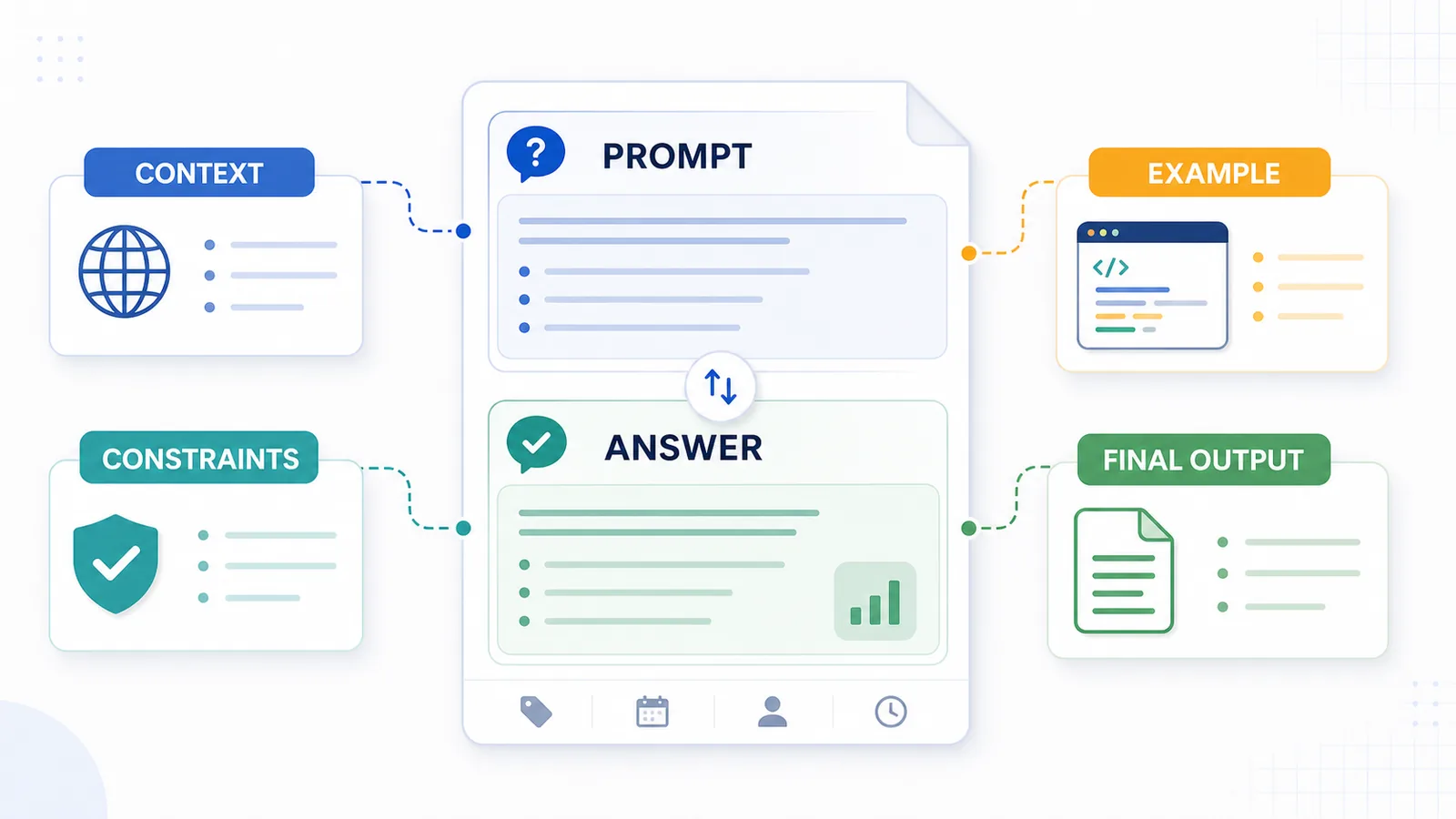
This matters because ChatGPT answers are not standalone. They depend on the prompt, constraints, examples, corrections, and follow-up questions that came before them.
A Q&A export tries to preserve that relationship.
It is different from:
- saving only the final answer;
- copying the whole page as a raw transcript;
- creating a shared link;
- printing the conversation to PDF;
- summarizing the thread;
- downloading broader account-level data.
Q&A export is mainly about structure.
It answers:
What did I ask, and what answer did I get?
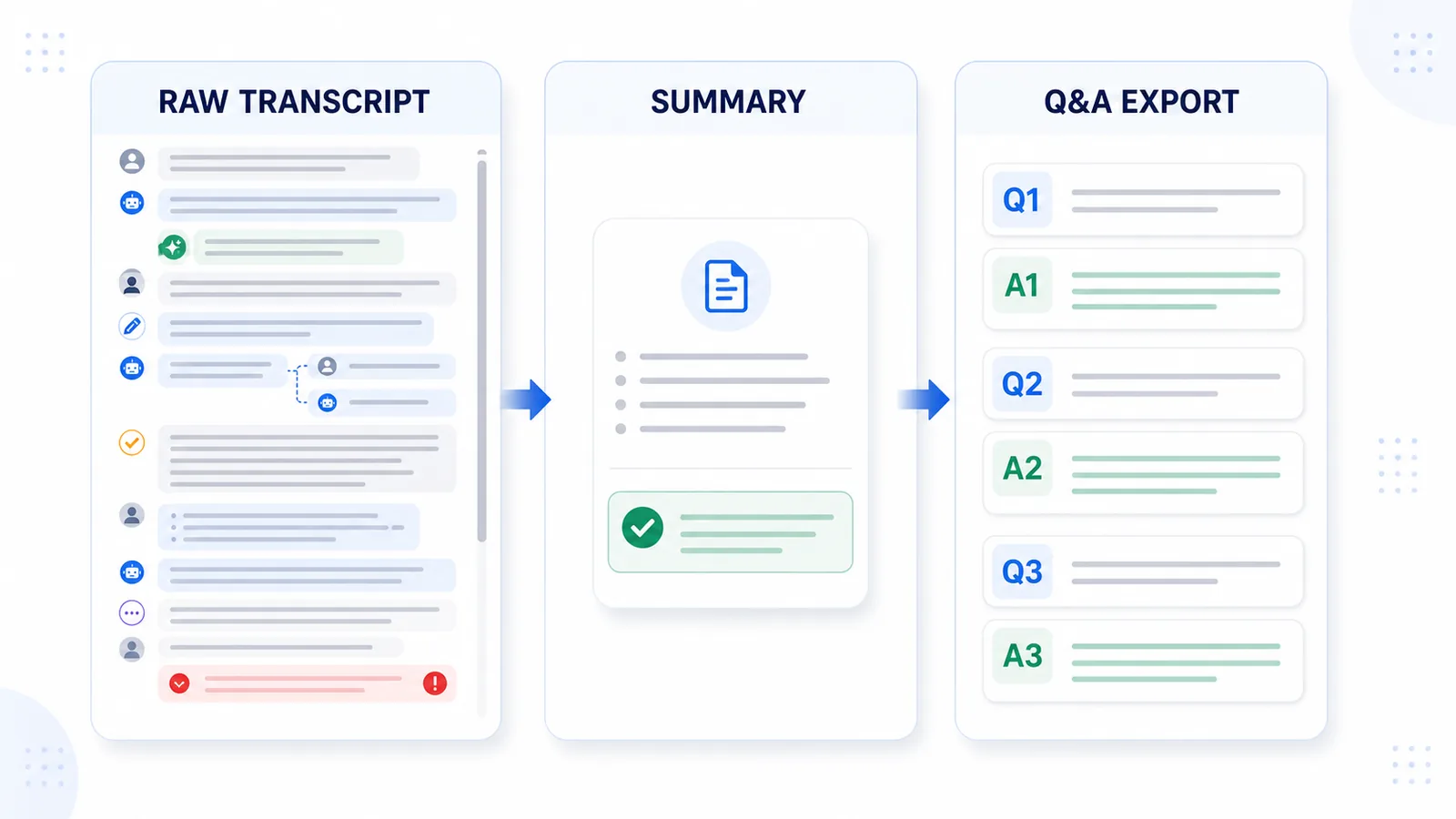
Q&A export vs transcript vs summary
A ChatGPT conversation can be saved in several ways.
| Saving style | What it preserves | Main weakness |
|---|---|---|
| Final answer only | The polished result | Loses prompt, context, and reasoning |
| Raw transcript | Full message order | Can become hard to scan and reuse |
| Summary | Main takeaway | Removes exact prompts, examples, and details |
| Visual reading copy | Harder to edit or restructure | |
| Q&A export | Prompt-answer structure | Less visual than PDF |
A raw transcript is useful when completeness matters.
A summary is useful when you only need the conclusion.
Q&A export is useful when the conversation itself is reusable.
Why question-answer pairs are useful
Question-answer pairs are useful because they keep the original working context visible.
This helps when you return to the conversation later and need to understand:
- what you asked;
- what ChatGPT answered;
- which prompt created which output;
- which follow-up changed the direction;
- where the final useful version came from;
- what constraints shaped the answer.
Without Q&A structure, long conversations can become difficult to reuse.
You may have the text, but not the path that created it.
Example: raw transcript vs Q&A export
A raw saved transcript might look like this:
User: Write a landing page headline.
Assistant: Here are five options...
User: Make it less generic.
Assistant: Here are more specific versions...
User: Use the second one and make it shorter.
Assistant: Here is a shorter version...
That is readable, but it can become harder to scan when the conversation is long.
A Q&A export makes the structure clearer:
Q1: Write a landing page headline for a local-first ChatGPT export extension.
A1: Here are five options...

Q2: Make the headline less generic.
A2: Here are more specific versions...

Q3: Use the second one and make it shorter.
A3: Here is a shorter version...
The Q&A version is easier to reuse because the answer is attached to the instruction that created it.
What a good Q&A export should include
A good Q&A export should preserve the useful parts of the conversation.
It should include:
- the original user prompt;
- the assistant answer;
- follow-up questions;
- revised answers;
- important constraints;
- final decisions;
- useful examples;
- code blocks when relevant;
- tables when relevant;
- enough message order to understand the flow.
It should also create clear boundaries between each Q&A pair.
A saved conversation should not become one huge wall of text.
What a Q&A export does not need to preserve
A Q&A export does not need to copy every part of the visual interface.
It usually does not need:
- sidebar text;
- buttons;
- empty messages;
- repeated interface labels;
- timestamps unless they matter;
- unrelated UI text;
- broken copied spacing;
- duplicated regenerated answers unless they are useful.
The goal is not to recreate the ChatGPT page.
The goal is to save the useful conversation in a reusable structure.
When Q&A export is better than copy-paste
Manual copy-paste can work for short answers.
It becomes weaker when the conversation is long, important, or full of follow-up prompts.
Q&A export is usually better when the chat includes:
- many turns;
- several versions;
- important decisions;
- research;
- project planning;
- code debugging;
- drafts and rewrites;
- learning explanations;
- reusable prompts;
- long context.
Copy-paste saves text.
Q&A export saves structure.
For a deeper explanation, read Why Copy-Paste Fails for Long ChatGPT Conversations.
When Q&A export is better than a summary
A summary is useful when you only need the main conclusion.
But summaries remove detail.
A summary may not preserve:
- the exact prompt;
- the exact wording;
- rejected options;
- examples;
- code;
- tables;
- the reasoning path;
- the difference between versions.
Q&A export is better when you want to reuse the conversation as working material.
For example, if a ChatGPT thread helped you create an article, debug a problem, plan a project, or compare options, the original Q&A structure may be more useful than a short summary.
When Q&A export is not necessary
Not every ChatGPT conversation needs Q&A export.
You probably do not need it when:
- the chat is short;
- you only need one answer;
- the final result is already copied elsewhere;
- the conversation has no reusable context;
- you do not plan to search or review it later.
For small tasks, manual copy-paste is often enough.
Q&A export is most useful when the conversation becomes important enough to reuse.
Manual method: how to create Q&A pairs
You can create Q&A pairs manually.
A simple workflow:
- Open the ChatGPT conversation.
- Copy the useful parts into a text editor.
- Remove interface noise.
- Label user messages as questions or prompts.
- Place each assistant answer directly under the prompt that produced it.
- Remove duplicated or abandoned answers if they are not useful.
- Mark final versions clearly.
- Save the file as TXT, Markdown, or another notes format.
Example structure:
# Project planning conversation

Q1: What should the project structure be?
A1: ...

Q2: Which option is better for the first version?
A2: ...

Q3: What are the next steps?
A3: ...
This works well for short or medium chats.
For long conversations, manual cleanup can become slow and easy to get wrong.
Browser-based method: export the active chat as Q&A notes
For one active conversation, a browser-based exporter can make Q&A export faster.
Instead of rebuilding the structure manually, the tool can read the current conversation and turn it into a file with clearer Q&A boundaries.
A good Q&A export tool should help you:
- save one active conversation;
- preserve user prompts;
- preserve assistant answers;
- keep message order;
- avoid interface clutter;
- create a searchable file;
- keep the output easy to edit;
- make the conversation useful later.
Before using any browser extension, check what permissions it requests, whether it explains how data is handled, and whether the workflow fits your privacy expectations.
Best formats for Q&A export
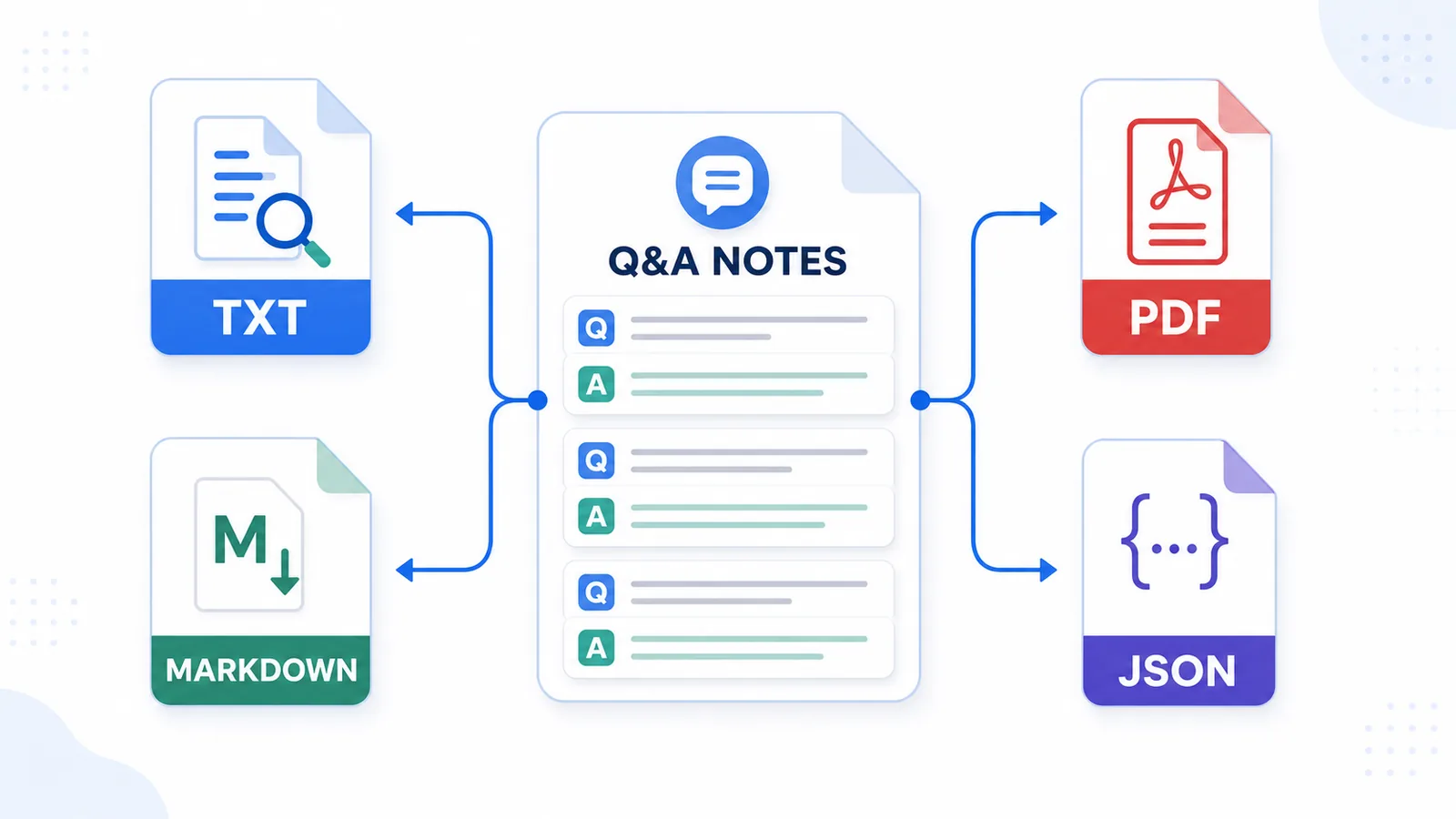
The best format depends on what you want to do with the exported conversation.
| Format | Best for | Not ideal for |
|---|---|---|
| TXT | Simple reusable Q&A notes | Rich visual formatting |
| Markdown | Notes apps, documentation, Obsidian-style workflows | Users who want a plain file only |
| Reading and sharing | Editing, restructuring, and reuse | |
| JSON | Automation and developers | Normal human reading |
For most people, TXT or Markdown works best for Q&A export.
PDF is good when you want to read or share the conversation. JSON is useful when the goal is automation. TXT and Markdown are better when the goal is reusable notes.
For practical TXT storage and conversion, read How to Export ChatGPT Chats as TXT. For a broader format comparison, read TXT vs Markdown vs PDF vs JSON for ChatGPT Export.
TXT Q&A export
TXT is one of the simplest formats for Q&A export.
It is useful because it is:
- lightweight;
- easy to search;
- easy to copy;
- easy to store locally;
- easy to open in many apps;
- durable over time.
A TXT Q&A export might look like this:
Q1: What is the main problem?
A1: The main problem is...

Q2: What are the options?
A2: The options are...

Q3: What should I do next?
A3: The next step is...
TXT is not visually rich, but it is very practical for reusable notes.
Markdown Q&A export
Markdown is useful when you want more structure.
A Markdown Q&A export can use headings, lists, links, and code blocks.
Example:
# ChatGPT Research Notes

## Q1: What is the main topic?

Answer text...

## Q2: What are the key options?

- Option 1
- Option 2
- Option 3
Markdown is a good fit for:
- Obsidian;
- documentation;
- GitHub;
- technical notes;
- writing drafts;
- research notes.
Markdown is usually better than TXT when headings and structure matter.
PDF Q&A export
PDF is useful when the conversation should become a stable reading document.
PDF works well for:
- sharing;
- reading;
- printing;
- preserving visual layout.
But PDF is weaker for Q&A reuse.
It is usually harder to:
- edit;
- restructure;
- extract sections;
- move notes into a knowledge base;
- reuse prompts and answers in another workflow.
Use PDF when the conversation is mostly finished.
Use TXT or Markdown when the conversation is still working material.
JSON Q&A export
JSON is useful when the exported conversation needs to be processed by software.
A JSON-style Q&A export might represent each pair as structured data:
[
  {
    "question": "What did the user ask?",
    "answer": "What did the assistant answer?"
  },
  {
    "question": "What did the user clarify?",
    "answer": "How did the assistant respond?"
  }
]
JSON is useful for:
- automation;
- custom scripts;
- data processing;
- migration;
- developer workflows.
But JSON is not ideal for normal reading.
For everyday notes, TXT or Markdown is usually easier.
How Q&A export helps with long chats
Long ChatGPT chats are difficult to reuse because the useful meaning is spread across many turns.
A long thread may contain:
- the original goal;
- follow-up questions;
- assumptions;
- corrections;
- rejected options;
- alternative versions;
- final decisions;
- important examples.
Q&A export makes that structure easier to review.
Instead of asking:
Where was that useful answer?
You can scan the prompts and find the section that matters.
For more on this problem, read Why Long ChatGPT Chats Are Hard to Reuse Later.
How Q&A export supports a knowledge base
A Q&A export can become more than a saved chat.
It can become a knowledge base entry.
For example:
AI notes/
  Research/
  Writing/
  Coding/
  Strategy/
  Product ideas/
A Q&A file can be stored by:
- topic;
- project;
- date;
- client;
- workflow;
- content type.
This makes it easier to reuse ChatGPT conversations across future work.
The value of the export is not only that you saved the chat. The value is that you turned it into something findable.
For a concrete writing workflow, see how to archive ChatGPT brainstorming sessions as an editorial trail.
For a developer workflow, see how to save debugging conversations with errors, attempted fixes, code, and verification context.
Researchers can use Q&A structure to preserve research questions, hypotheses, and source ideas, while students can turn learning chats into active-recall study notes.
Q&A export vs cleaning a messy thread
This guide is about the Q&A export format itself.
If your existing thread is already messy and you need to clean it up, start with this guide instead:
How to Turn a Messy ChatGPT Thread into Clean Q&A Notes
The difference:
| Guide | Main focus |
|---|---|
| Export as question-answer pairs | Format, structure, methods, examples |
| Turn a messy thread into clean Q&A notes | Cleanup, transformation, usability |
Both workflows are related, but they answer different questions.
This page explains what Q&A export is and how it works.
The messy-thread guide explains how to take an existing chaotic conversation and turn it into usable notes.
How ChatGPT Session Saver helps
ChatGPT Session Saver is a local-first browser tool for saving one active ChatGPT conversation as clean Q&A-style TXT notes.
It is useful when you want the conversation to become reusable notes instead of a raw transcript.
It focuses on:
- one active ChatGPT conversation;
- local TXT export;
- clear question-answer structure;
- reusable notes;
- avoiding manual copy-paste cleanup.
It is not meant to replace every export method.
Use official account export for full account backup. Use shared links for sharing. Use PDF for reading. Use ChatGPT Session Saver when your goal is one active conversation saved as local Q&A-style TXT notes.
Common mistakes
When exporting ChatGPT conversations as Q&A pairs, avoid these mistakes:
- saving only assistant answers;
- removing the original prompts;
- mixing unrelated topics in one file;
- keeping duplicate answers without marking the useful one;
- losing code blocks or tables;
- using PDF when you need editable notes;
- saving files with unclear names;
- treating a summary as a full Q&A export;
- using an export tool without checking permissions or privacy.
A good Q&A export should make the conversation easier to reuse than it was inside the original thread.
Recommended workflow
For important ChatGPT conversations, use this workflow:
- Keep the conversation focused on one topic or project.
- Export the active chat before it becomes too long to review manually.
- Preserve prompts and answers together.
- Use TXT or Markdown if you want reusable notes.
- Use PDF only if the goal is reading or sharing.
- Give the file a clear name with date and topic.
- Store it in a project folder or notes system.
- Add a short summary only after preserving the Q&A structure.
This gives you both structure and context.
Part of the ChatGPT Export Guides
This guide is part of a practical series about saving, exporting, structuring, and reusing ChatGPT conversations.
FAQ
What does it mean to export ChatGPT conversations as question-answer pairs?
It means saving the conversation so each user prompt is paired with the assistant answer it produced. This makes the exported chat easier to scan, understand, and reuse later.
Is Q&A export different from a raw transcript?
Yes. A raw transcript preserves the message order, while Q&A export preserves the relationship between each question and answer. This is usually better for reusable notes.
Why should I keep the original prompts?
ChatGPT answers depend on the prompts that created them. If you save only the answers, you may lose the context, constraints, and reasoning behind the output.
What format is best for Q&A export?
TXT and Markdown are usually best for Q&A export because they are easy to search, edit, copy, and move into a notes app or knowledge base.
Is PDF good for question-answer exports?
PDF can be useful for reading or sharing, but it is less useful when you want to edit, search, restructure, or reuse the conversation later.
Can I create Q&A pairs manually?
Yes. You can manually copy a conversation, remove interface noise, and group each assistant answer under the prompt that produced it. For long chats, this can become slow and unreliable.
When should I use Q&A export?
Use Q&A export when the conversation contains reusable prompts, answers, research, drafts, decisions, code, study notes, or project context.
Is Q&A export the same as summarizing a ChatGPT conversation?
No. A summary gives you the main takeaway. Q&A export preserves the original question-answer structure so you can reuse specific parts later.
Final thought
A ChatGPT conversation is not just a stream of text. It is a sequence of prompts and answers.
If you preserve that structure, the conversation becomes easier to search, review, edit, and reuse later.
For important chats, exporting as question-answer pairs is often the simplest way to turn a temporary conversation into durable notes.